Are Smart Plugs Worth It? A Calm Way to Decide
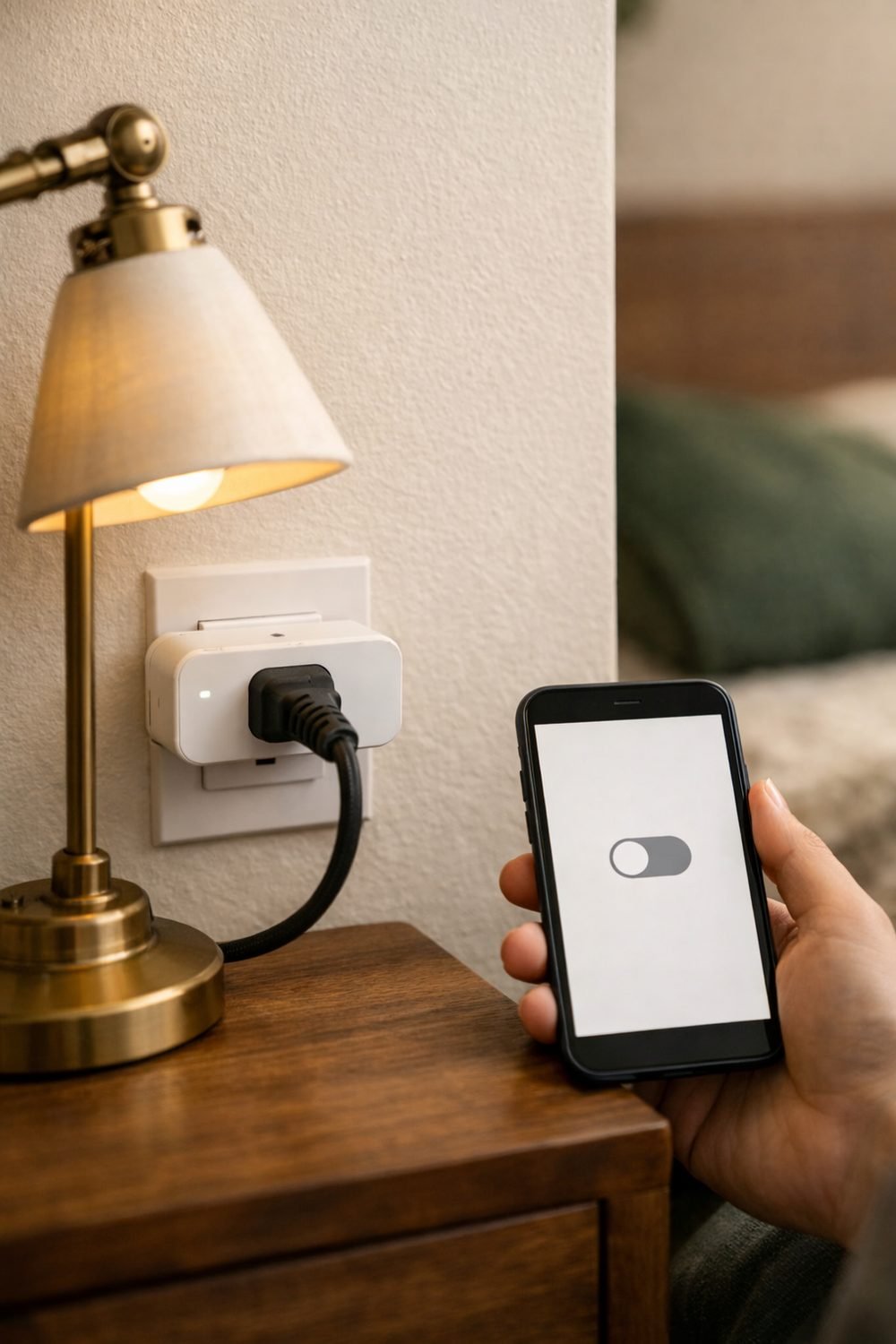
A smart plug is a small adapter that goes between your wall socket and a device. Once it's set up, you can switch that device on or off from your phone, with a voice speaker, or on a timer. People searching for the best smart plugs often hope one gadget will make their home greener and simpler. Sometimes it does. Sometimes it ends up in a drawer. The honest answer depends on how you live, so this post walks through a calm way to decide before you spend anything.
No hype here. Just a few questions to ask yourself and some plain notes on what these plugs can and can't do.
Start by Listing the Devices You'd Actually Plug In
Grab a piece of paper or open the notes app on your phone. Walk around your home and write down every device you might want to control. Be specific. "Living room lamp" is more useful than "lights."
Common picks include:
- A floor lamp that's awkward to reach
- A fan you forget to turn off when you leave a room
- A coffee maker you'd like ready when you wake up
- Holiday lights or a small aquarium light
- A TV setup or games console that sits on standby all day
Now look at your list. If it has one or two items, a single plug is probably enough to test the idea. If it has ten items but you only care about two of them, that's a sign too. Many people buy a four-pack because it seems like better value, then only use one. A short, honest list saves you from that.
Also ask yourself what problem you're solving. Is it convenience? Forgetting to switch things off? Wanting lights to come on while you're away? Each of these is a fair reason, but they lead to different choices later on.
Check the Power Limit Before Anything Else
This part isn't exciting, but it matters more than the app or the price. Every smart plug has a maximum load it can safely handle. You'll usually find it on the box, on the plug itself, or on the seller's product page.
Small items like lamps, phone chargers, fans and string lights are generally fine. Things that heat up are a different story. Space heaters, kettles, toasters, hair dryers and window air conditioners can pull a lot of power. Some plugs are rated for some of these, and many aren't.
The rule is simple: if the maker doesn't clearly say a device is allowed, don't plug it in. Check both the plug's rating and the label on your appliance. If you're unsure, ask the seller or an electrician. A plug that's overloaded can overheat, and saving a few minutes isn't worth that risk.
It's also worth knowing that some appliances simply don't work well with smart plugs. A coffee maker with a push button that has to be pressed after power comes on won't start by itself, even if the plug turns on. The same goes for many modern TVs and air purifiers. For a smart plug to be useful, the device needs to turn on when power is restored. An old-style lamp with a click switch left in the "on" position works perfectly. A device with touch controls often won't.
How to Read Smart Plug Reviews (and the App Behind Them)
Here's something many people miss: you're not really buying a plug. You're buying an app. The plastic box is the easy part. The app decides whether daily use feels smooth or annoying.
Before choosing, check which systems the plug works with. Some connect to popular voice speakers, some need their own hub, and some only work through the maker's own app. If you already have a speaker or a smart home app you like, pick a plug that fits it. Mixing too many apps gets messy fast.
When reading smart plug reviews, look for recent ones. An app that worked well two years ago might have changed. Pay attention to comments about:
- How easy setup was
- Whether the plug drops its connection often
- Whether the app asks for an account or lots of permissions
- How quickly the plug responds when you tap a button
Be a little skeptical of reviews that are only five stars with no detail, and also of angry one-star reviews about shipping. The most helpful ones explain what happened in daily use after a few weeks.
One more thing: check your home Wi-Fi. A lot of plugs only connect to a certain Wi-Fi band. If your router is far from the room, the plug may struggle. The best wifi smart plug in the world won't help much if the signal barely reaches the socket.
By the way, if small home routines are your thing, the Free Weekly Cleaning Checklist is yours when you join the email list.
Is Energy Monitoring Worth Paying For?
Some smart home plugs include energy monitoring. This means the app shows how much power a device is using right now and over time. It's a neat feature, and for some people it's the main reason to buy.
For example, you might plug in an old chest freezer in the garage and see it running far more than you expected. Or you might find that the TV, soundbar and console together draw power all night while "off." That kind of information can help you decide what to unplug, replace or put on a schedule.
That said, it's not for everyone. If you're the type who checks an app once and forgets about it, monitoring won't change much. A simpler plug may do the job just as well. And keep your expectations realistic. The numbers can show patterns, but they won't magically cut your bill. Any savings come from what you do with the information.
A practical approach is to buy one monitoring plug and move it around your home. Leave it on one device for a week, note what you see, then try another. You'll learn more from that than from buying several and never looking at the data.
Other Types: Outdoor Plugs, USB Plugs and Switches
Standard indoor plugs are the most common, but there are a few other kinds worth knowing about.
Outdoor smart plugs
An outdoor smart plug is built to handle weather better than an indoor one. People use them for porch lights, garden string lights or seasonal decorations. Check the weather rating on the product page and follow the maker's instructions about where it can go. An indoor plug left outside is a bad idea, even under a roof.
USB smart plugs
A USB smart plug adds USB ports for charging phones or small gadgets. These can be handy on a desk or bedside table. Just remember that the smart control might only apply to the main socket, not the USB ports, so read the details.
Smart plugs and switches
If you mostly want to control ceiling lights, a smart wall switch might make more sense than a plug. The catch is that switches usually need to be wired in, which means hiring a qualified electrician in many cases. Plugs are easier because you just push them into the socket. For renters especially, plugs are often the simpler choice.
Know What a Smart Plug Can't Do
This is where a lot of the hype falls apart. A smart plug can't make an old device more efficient. A ten-year-old fridge will use the same power whether it's plugged into the wall or into a smart plug. All the plug does is give you an easier way to switch things on and off, set timers and maybe see usage.
The plug itself also uses a small amount of power to stay connected. For something you'd only switch off once a week, that may not balance out. Smart plugs make the most sense for devices you actually want to control often.
Another limit is privacy. These are connected devices, so they share some data with an app. Read the privacy information on the seller's page if that matters to you. And they depend on your Wi-Fi and sometimes the maker's servers. If either goes down, some features may stop working until things are back up.
If your bigger goal is a greener home overall, a smart plug is one small piece. The Green Home Starter Guide below this post covers wider habits that often matter more than gadgets.
Try One Plug for a Month
The calmest way to decide is to test. Buy one plug and give it a full month. Put it on the device that topped your list and set a simple schedule or routine.
At the end of the month, ask yourself a few honest questions. Did you use it most days? Did it fix the problem you had in mind? Was the app easy, or did you dread opening it? If you loved it, buy more for the other items on your list. If you barely noticed it, you've only spent money on one, not four.
If you like tracking little experiments like this, the Green Living Planner and Checklist Bundle below this post has pages for that kind of thing.
FAQ
Do smart plugs save money on electricity?
They can help if you use them to switch off devices that would otherwise stay on or on standby. The plug doesn't save anything by itself, though. Any savings come from how you use the schedules and information.
Can I use a smart plug with a space heater?
Only if both the plug maker and the heater maker clearly say it's allowed. Many plugs aren't rated for that kind of load. When in doubt, ask the seller or an electrician first.
Do I need a smart speaker to use a smart plug?
No. Most plugs work through a phone app on their own. A speaker just adds voice control if you want it.
What are the best smart plugs for beginners?
Look for one that works with an app you already use, has a clear power rating, and has good recent reviews about setup. A basic indoor model is a sensible first try.
Summary
Smart plugs are worth it when you have a clear, everyday use for them. Make a short list, check the power limits, choose a plug with a decent app, and start with just one. Skip them if you're hoping they'll make old appliances greener, because they won't.
Your next step is easy. Join the email list to grab the Free Weekly Cleaning Checklist, then take a look at the Green Home Starter Guide and the Green Living Planner and Checklist Bundle below this post if you'd like more help building calm, green habits at home.
Printables and tools that can help
Green Home Starter Guide
An eight-chapter beginner's guide to green living with myths, vocabulary and a 30-day...
See detailsGreen Living Planner and Checklist Bundle
A 30-day goal page, weekly planner, two setup checklists, trackers and a weekly...
See details